
Horses of Hoofprint Bay Controller Support and Steam Deck
Does Horses of Hoofprint Bay have controller support? Keyboard controls, the Steam Deck rating, players' setup tips, key rebinding and the saddle controller.
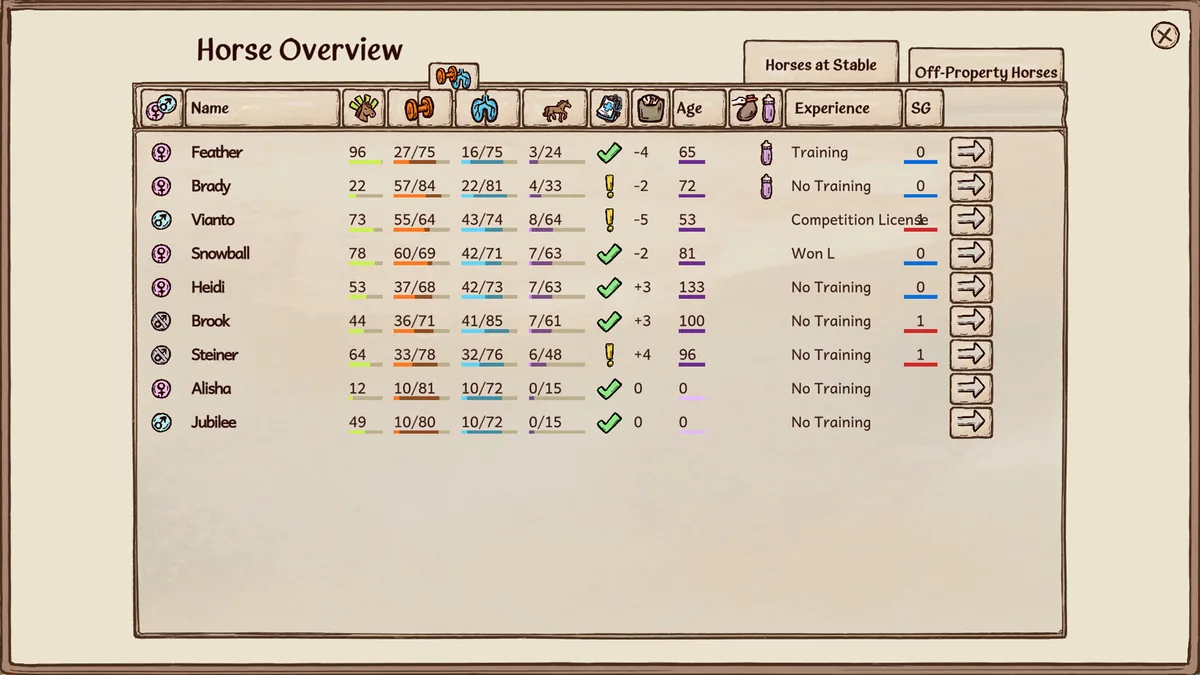
Horses of Hoofprint Bay controller support is limited: the game is built for keyboard and mouse, and the Steam store page doesn't list controller support among its features. Players do play it on Steam Deck, which Steam rates "Playable", by using the keyboard-and-mouse preset, the touchscreen and remapped buttons. This Horses of Hoofprint Bay controller guide covers the default controls, the Steam Deck setup players recommend and what the developers have said.
Controls matter more than in most cozy games, because riding, jumping and lessons all depend on timing. The official Horses of Hoofprint Bay store page on Steam lists the game for Windows and SteamOS + Linux.
Default Keyboard Controls
Players on the official Steam forum describe the riding controls: WASD and the spacebar, and the keys can be rebound in the settings. One player added that you only press a key once to change pace rather than holding it down.
| Action | Default | Source |
|---|---|---|
| Change pace while riding | WASD | Player report, release week |
| Jump | Space | v0.1.10 to v0.1.12 patch notes made Space the default |
| Switch paths on a trail (the u-shaped icon) | Space | Player reports |
| Praise | S | Player report; desensitization prompt in a gameplay video |
| Back up (desensitization) | A | Gameplay video |
| Lessons: correct leaning / legs | Q and E / A and D | October 2026 demo gameplay video |
| Grooming, tack and menus | Mouse | Players report you drag tack rather than click it |
The jump key changed during the demo. In February 2026, players noticed the tutorial said W to jump; the later patch notes made Space the default and fixed a rebind screen that still showed W. If an old video tells you to press W, that is the reason.
Is There Horses of Hoofprint Bay Controller Support?
Not officially at launch. A player asked for controller support on the official Steam forum on November 5, 2026, the day after release. Earlier, in February 2026, a player asked whether Steam Deck compatibility with a controller was planned, and the developer answered: "Yes, that's planned!" The developer's official FAQ says the team focuses on PC first.
| Question | Answer in the material |
|---|---|
| Controller support on the store page | Not listed among the Steam features (store data fetched November 6, 2026) |
| Steam Deck rating | Playable |
| Platforms | Windows, SteamOS + Linux |
| Developer's word on Steam Deck with a controller | "Yes, that's planned!" (February 2026) |
Until then, a gamepad works only through Steam's own input mapping, as Steam Deck players describe below.
Playing on Steam Deck
Several players on the official Steam forum have played on Steam Deck since the demo. Their setup tips:
- Proton: set the compatibility tool to Proton Experimental. One player fixed a tack screen that wasn't clickable this way; an earlier player reported a black screen and crash before others got it running.
- Controller preset: choose the keyboard (WASD) and mouse preset.
- Touchscreen: use it for menus and grooming; one player played the demo almost entirely by touch.
- Buttons: one player used the right arrow to speed up, the left arrow to slow down and the A button to jump; another mapped Escape to the B button to leave buildings quickly.
- Lessons: they may need some adjustment; the on-screen controls with the touchscreen help.
- Typing: Steam button + X opens the keyboard, though two players couldn't type capital letters.
One player wished for real controller support because moving the mouse with the touchpad tired their thumb, and another noted that their demo save didn't carry over from their PC. For other platform questions, see our Horses of Hoofprint Bay Mac guide and where to play guide.
Settings That Make the Controls Easier
If timing is the problem rather than the device, the game has settings for it. The Steam store lists features such as Adjustable Difficulty, Playable without Timed Input, Camera Comfort, Color Alternatives and Custom Volume Controls.
| Setting | What it does |
|---|---|
| Key rebinding | Change any key to suit you |
| Competition difficulty | A player found you can lower it, so timing matters less |
| Auto-jump | Jumps for you; the developer's FAQ recommends it if jumping is hard |
| Jump-off indicators | Show where to take off, as cones in front of the jump |
| Zoom in lessons | Added in the February 25, 2026 demo patch |
A player with a disability asked whether riding could be done with the mouse alone; the answer from another player was that riding uses WASD and space, timing is somewhat lenient, and the competition difficulty can be lowered.
The Saddle Controller
The most unusual Horses of Hoofprint Bay controller isn't for sale. The March 2026 dev update shows a saddle that works as a real controller, registering leg, seat and rein input; the team's programmer Theresa built it from scratch with a few different sensors and an Arduino computer. The developers brought it to Gamescom 2026, where visitors could play the game with it at the Games Bavaria booth in Hall 10.2, according to the August 2026 updates.
Horses of Hoofprint Bay Controller FAQ
Does Horses of Hoofprint Bay have controller support?
Not officially at launch; the store page doesn't list it. In February 2026 the developer said Steam Deck support with a controller was planned.
Can I play on Steam Deck?
Yes. Steam rates it Playable, and players recommend Proton Experimental, the keyboard and mouse preset, and the touchscreen for menus.
What is the Horses of Hoofprint Bay controller layout on keyboard?
WASD to change pace and Space to jump and switch paths, with S to praise. All keys can be rebound in the settings.
Why does the tutorial say W to jump?
That was the February 2026 demo. Later patch notes made Space the default jump key.
Related Guides
Achievements: 47 With Unlock Rates
All 47 Horses of Hoofprint Bay achievements: unlock requirements, the hidden ones, unlock rates as of November 7, 2026, and why some saves get them locked.
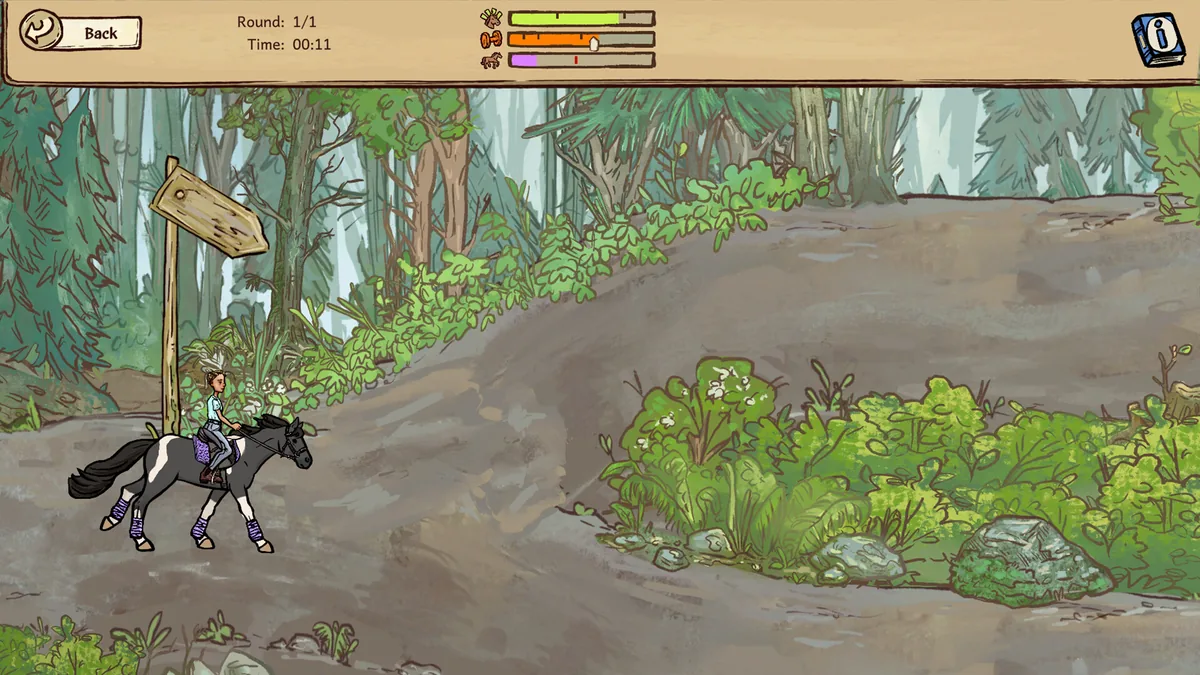
Apple Tree: Location and How to Pick
Where to find the Horses of Hoofprint Bay apple tree: which trail to ride, the turn over the bridge, why you must stop, the reward, and the demo route.

Beginner Guide: Your First Goals
Horses of Hoofprint Bay beginner guide: the first goals in order, the daily care routine, early money, your starter mare's limits and settings to know.
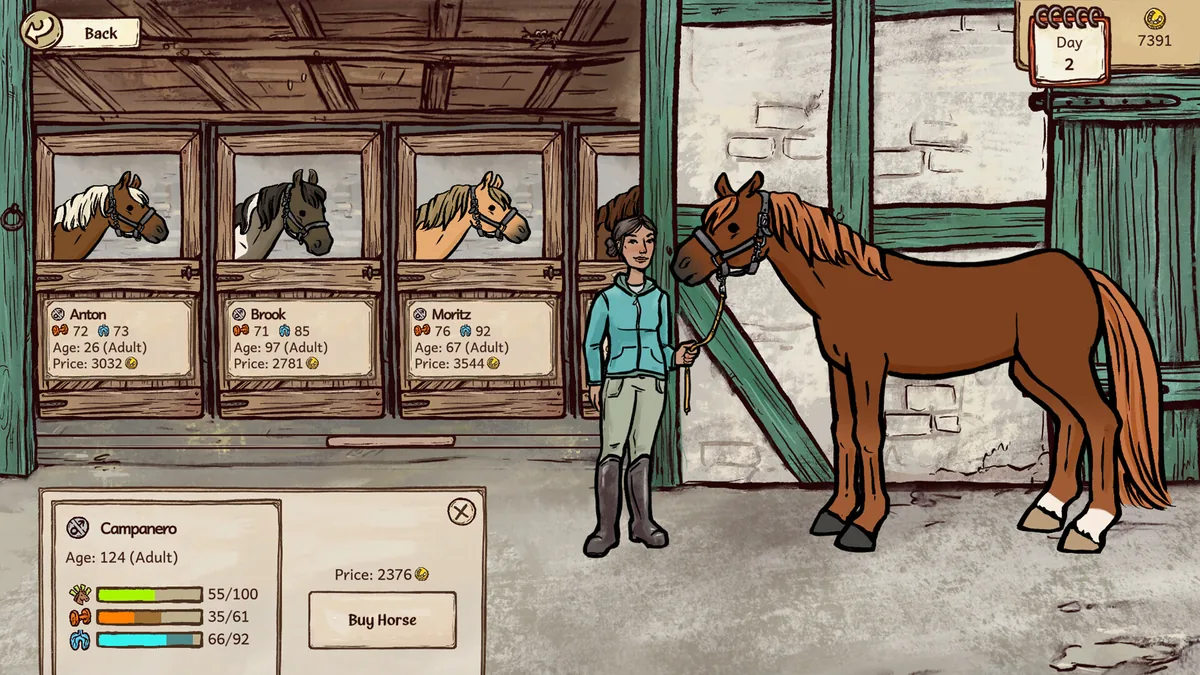
How to Buy Horses: Breeder Guide
Horses of Hoofprint Bay how to buy horses: the breeder in town, filters and reserving, what prestige changes, stable space, prices and what you can't buy.